A month of work in Contami, step by step
Four steps, from a new client to the estimated taxes. Real captures of the app, on a demo PFA.
Add the foreign client
Bergmann Software GmbH, from Berlin. You enter them once, with VAT number, address and payment terms. Then they come prefilled on every invoice. The VAT number is checked on the spot in VIES, the EU VAT registry.
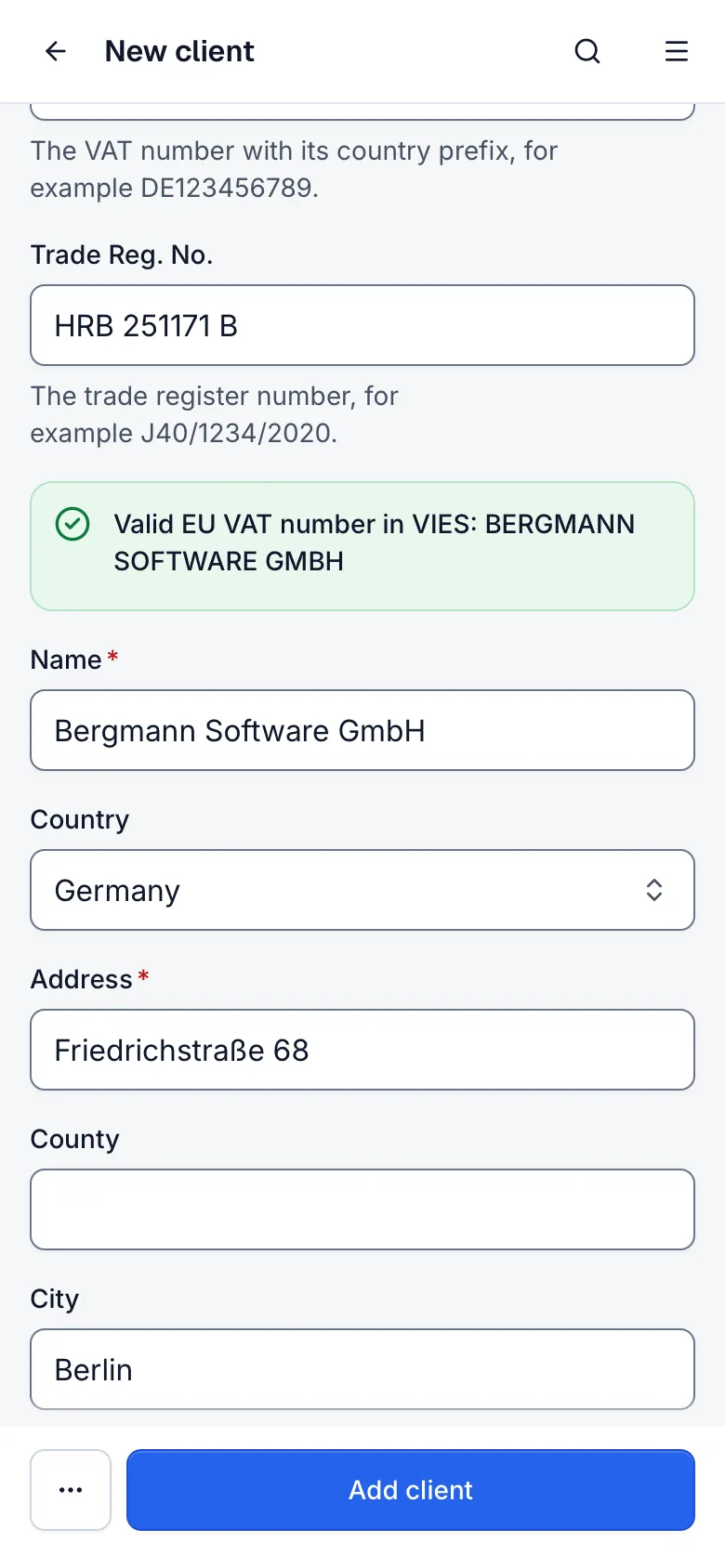
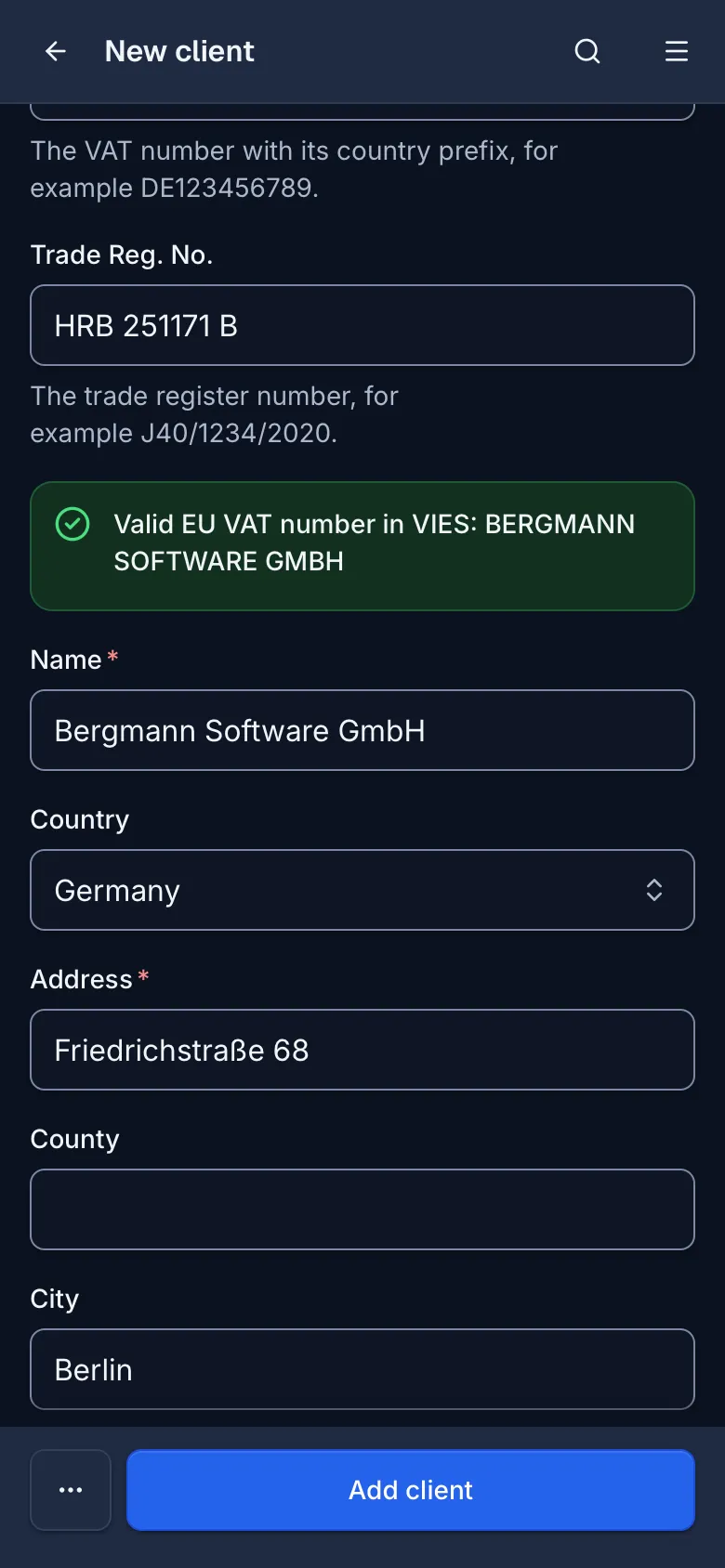
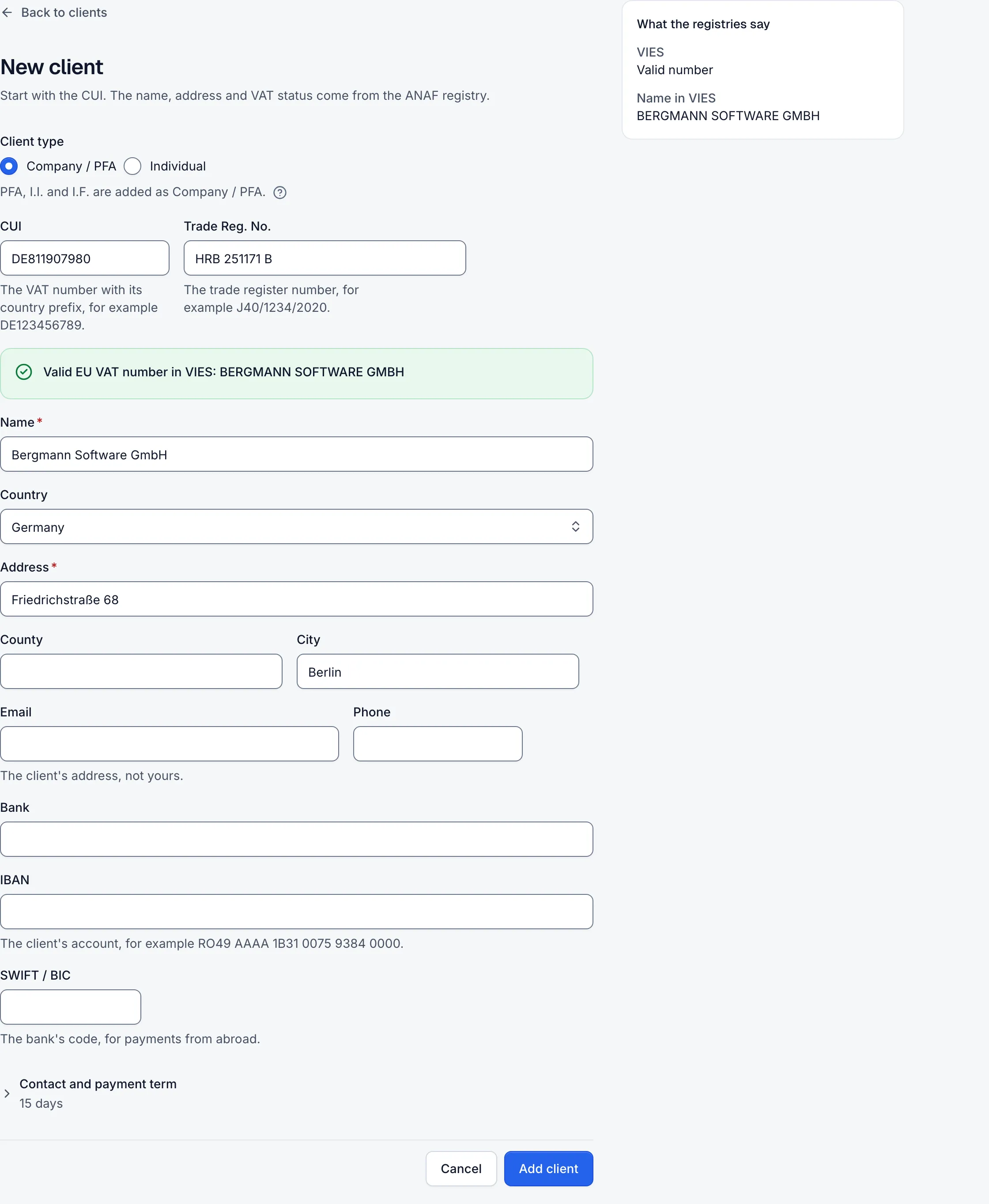
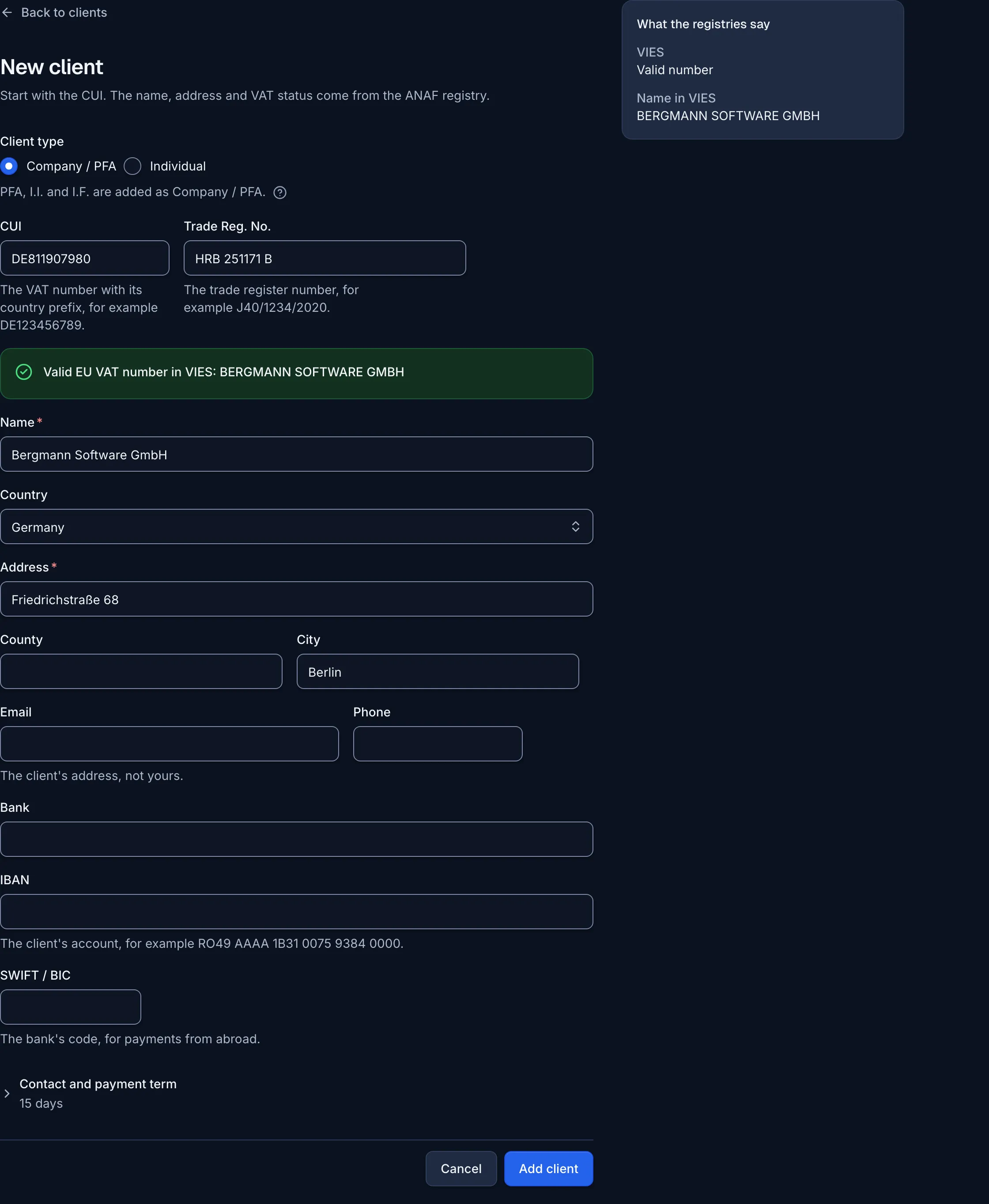
The new client form, filled in for a client in GermanyEnlarge the captureEnlarge the capture Issue the invoice in EUR
12 days × 400 EUR. Pick the currency and Contami takes the BNR (National Bank of Romania) rate from the official table. The invoice also shows the total in lei, the exact figure that enters the registers.
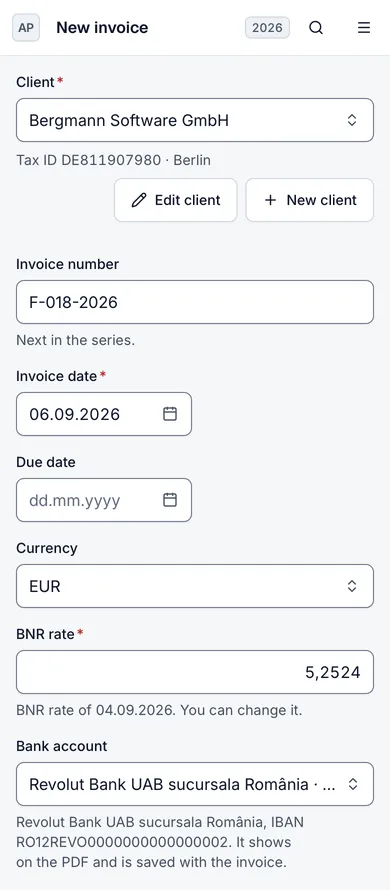
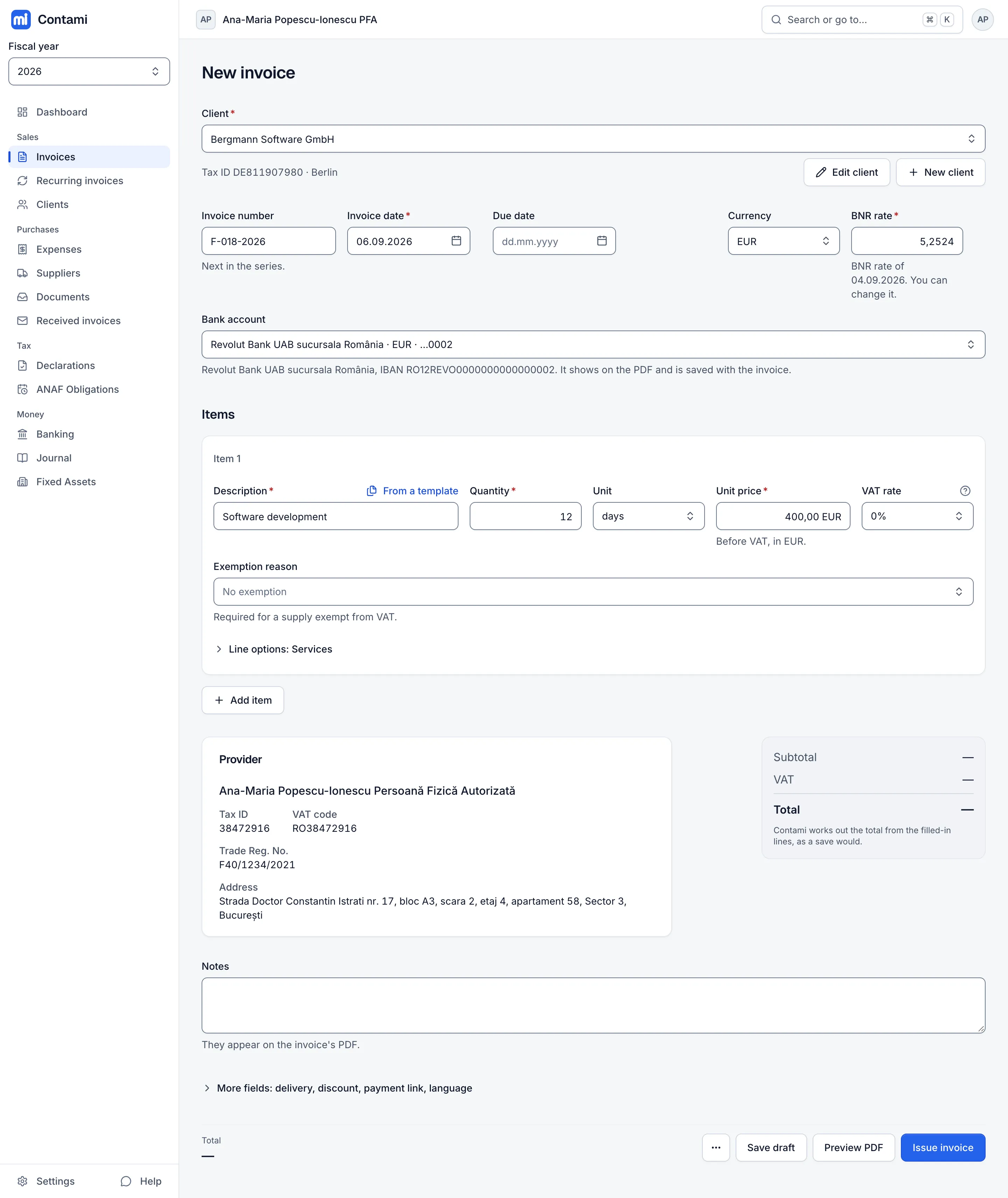
The new invoice: the BNR rate and its date, the EUR account and the clientEnlarge the captureEnlarge the capture Collect, and the Journal Register fills in
On collection, the invoice enters the Journal Register of receipts and payments (RJIP) by itself, in RON, at the rate on the invoice. All per Order 170/2015, the record-keeping rules for a PFA.
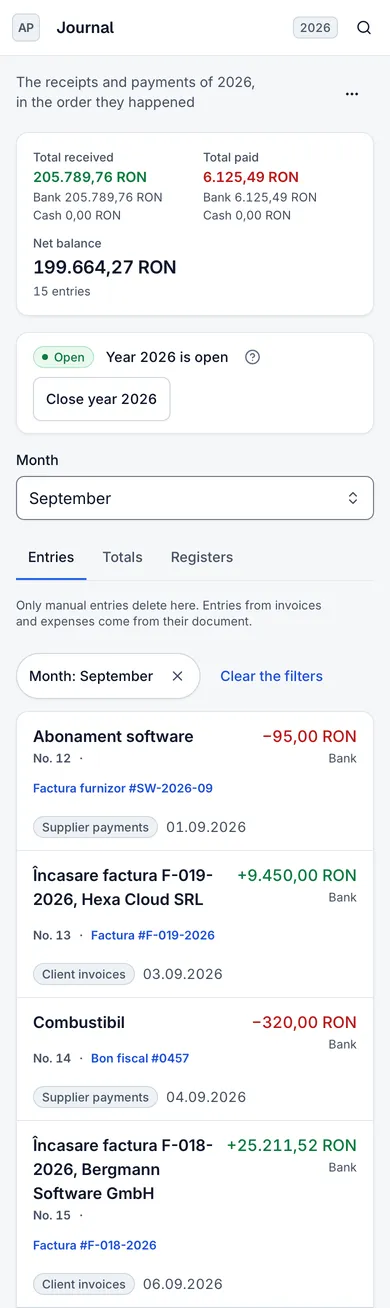
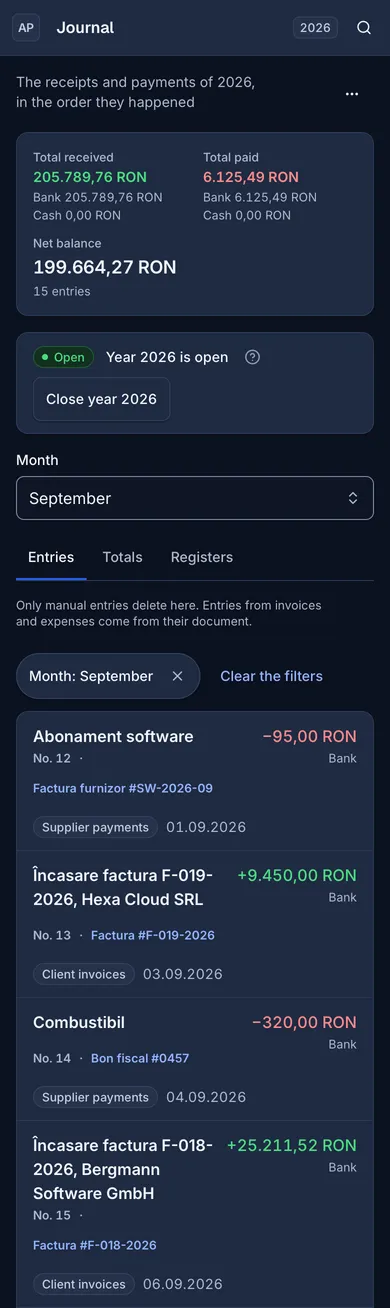
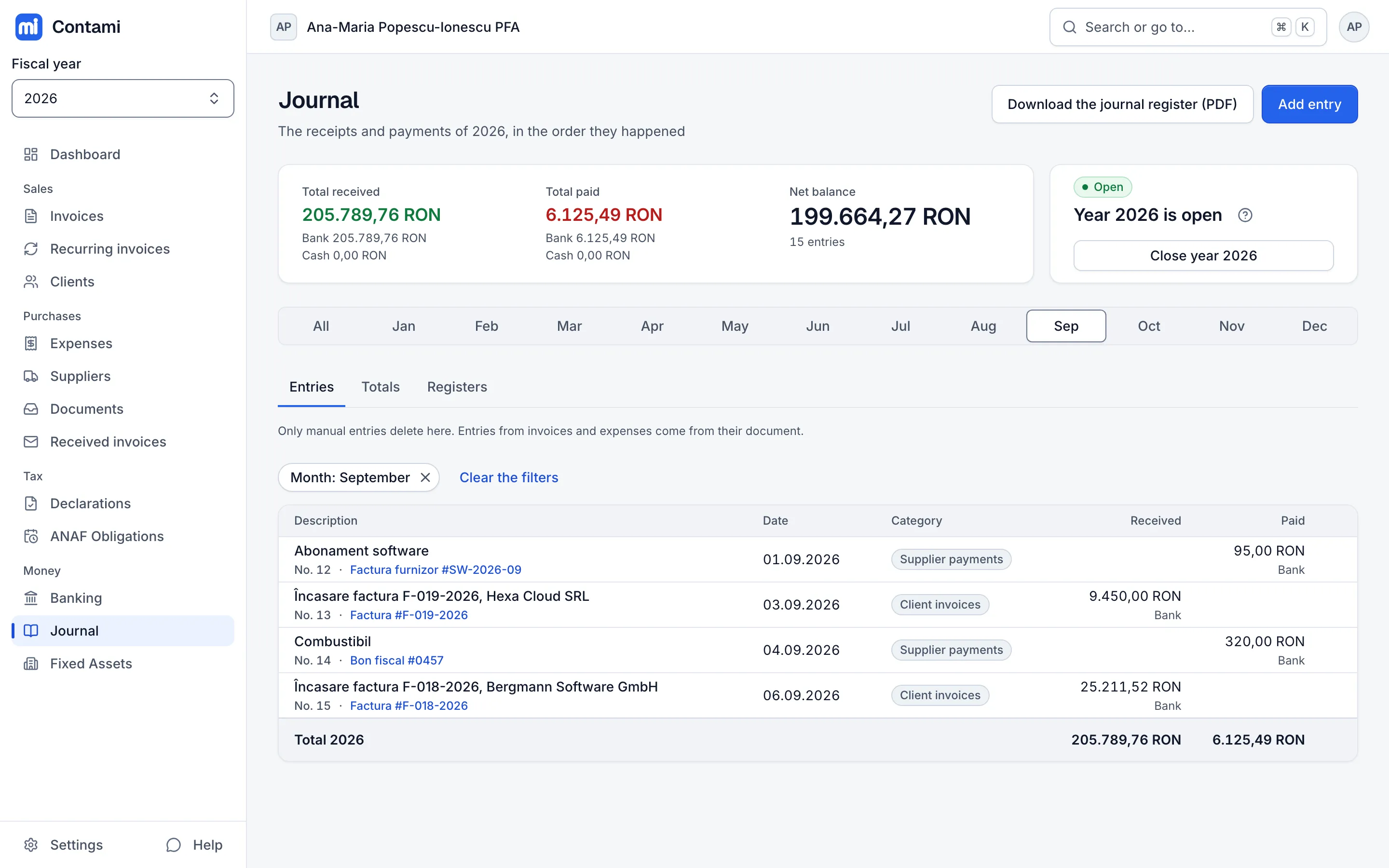
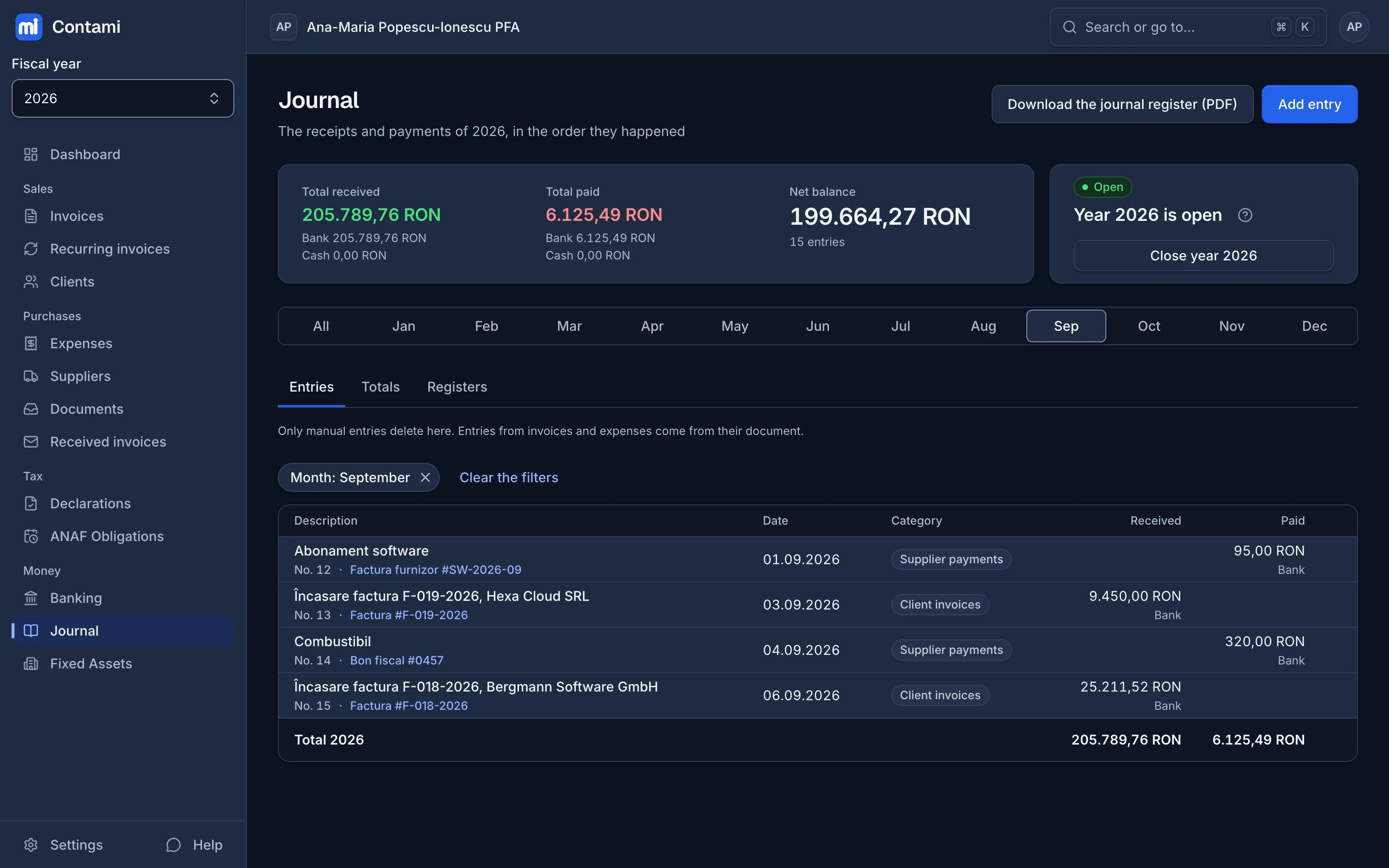
The Journal Register for the current month, with the receipt of the invoice just issuedEnlarge the captureEnlarge the capture See your estimated taxes
CAS (the pension contribution), CASS (the health contribution) and income tax are recalculated after every receipt and payment. You see the caps of the year and the deadline for D212, the annual tax return.
2026 so far
estimated59.806,21 RON
D390 · Recapitulativ VIES
D212 · Declarația Unică
- CAS, pension (25 %)
- 24.300,00 RON
- CASS, health (10 %)
- 19.966,43 RON
- Income tax (10 %)
- 15.539,78 RON
- Left after taxes
- 139.858,06 RON
Taxable incomeThe year card on the dashboard: estimated taxes and what is left after taxes
Your account looks like this in 2 minutes
Type your tax ID (CUI) and Contami fills in the rest from the ANAF registry.
What happens after you sign up
- Type your PFA's tax ID (CUI)
- Confirm the details from the ANAF registry
- Issue your first invoice
Beta: 0 RON a month, every feature, no card.